JDK Manager (jdkman)
A Rust-based JDK version manager with a Tauri desktop UI and scriptable CLI. Discover, install, and switch between multiple Java versions on Windows with safe JAVA_HOME and PATH management.
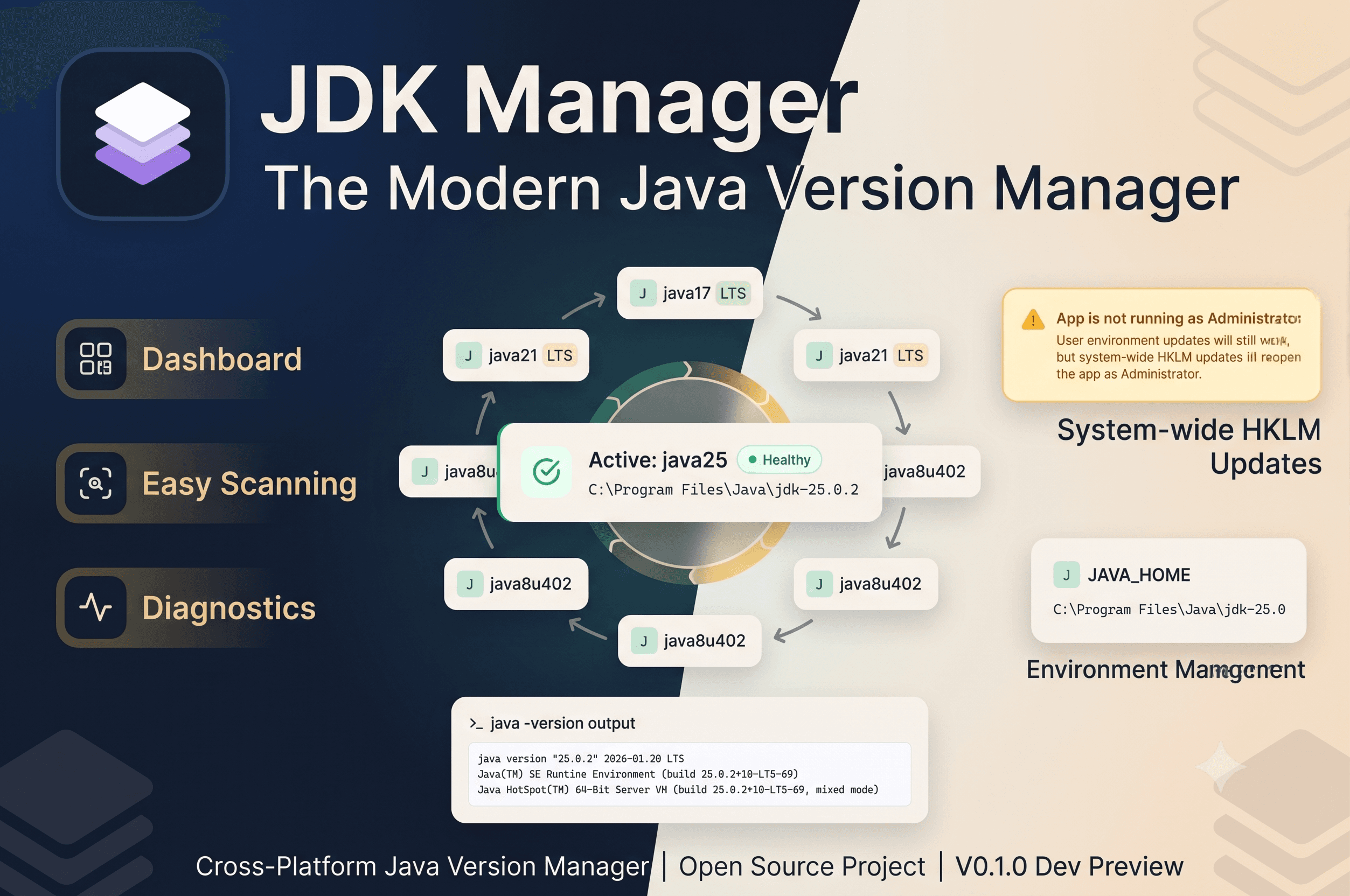
Project Overview
jdkman is a cross-platform Java Development Kit (JDK) version manager that makes discovering, installing, and switching between multiple JDKs fast and reliable. It includes a Rust core library, a CLI, a desktop GUI built with Tauri + React, and a public documentation site.
Managing multiple Java versions across development machines—especially on Windows—is error-prone: PATH and JAVA_HOME drift, global vs per-project versions conflict, install locations vary, and manual downloads slow you down. JDK Manager automates discovery, download, and switching while exposing a simple CLI and a friendly desktop UI.
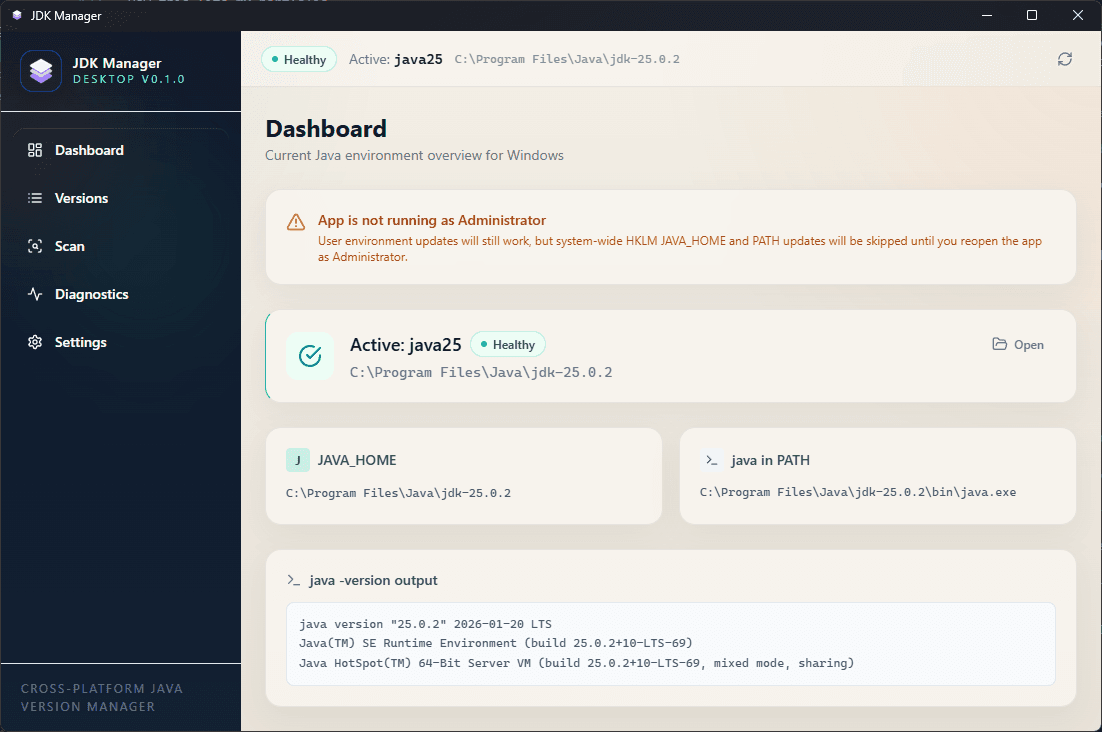
Desktop Application
The Tauri desktop app provides a visual way to scan for installed JDKs, switch active versions, and manage aliases without touching environment variables by hand.
What I Built
- java-manager-core — Rust library for scanning, installation, environment management, and platform-specific helpers
- java-manager-cli — scriptable CLI to list, install, remove, and switch JDKs from the terminal
- java-manager-desktop — Tauri + React desktop app with Windows installer artifacts
- public-web — Next.js documentation site with guides and download links
Key Features
- Scan for Adoptium, Corretto, Zulu, BellSoft, GraalVM, Oracle JDK, and more
- Download and install JDKs with automated extraction and registration
- Manage JAVA_HOME and PATH updates safely across platforms
- Profiles and quick switching between versions
- Doctor command to diagnose mismatched java, javac, PATH, or JAVA_HOME
- Desktop UI for visual management and CLI for automation
Architecture
Core logic lives in Rust so both the CLI and Tauri backend share a single, fast, cross-platform library. Tauri was chosen for a native-feeling desktop app while reusing a React + Tailwind web UI. The CLI stays lightweight and scriptable; the desktop app focuses on discoverability and UX.
CLI Examples
jdkman scan --auto-add
jdkman use java21
jdkman doctor
jdkman list
jdkman install temurin-17
Tech Stack
- Systems: Rust (cargo workspaces)
- Desktop: Tauri, React, Vite, TypeScript, Tailwind CSS
- Web: Next.js, TypeScript
- Packaging: Windows NSIS/WIX installer bundles
Portfolio Highlights
- Systems-level programming in Rust with cross-platform concerns
- Complete product: library, CLI, desktop GUI, and docs site
- Integration between native Rust/Tauri and modern web stacks
Key Features
- 1Discover installed JDKs across common Windows locations
- 2Download, install, and register JDKs with automated extraction
- 3Switch JAVA_HOME and PATH safely via CLI or desktop UI
- 4Profiles and quick switching between Java versions
- 5Doctor diagnostics for broken Java environments
- 6Cross-platform core with Windows-specific helpers